
This page explains how to download and install the 888Starz mobile application on an Android phone in Tanzania. It covers the APK installation process, iPhone access options, app updates, and practical solutions for common download or login problems.
888Starz App for Tanzania
The 888Starz app gives you access to your account from a smartphone. Depending on the supported version and device, its mobile interface may include betting areas, account details, balance management, and payment features. Use the same account credentials you use on the website.
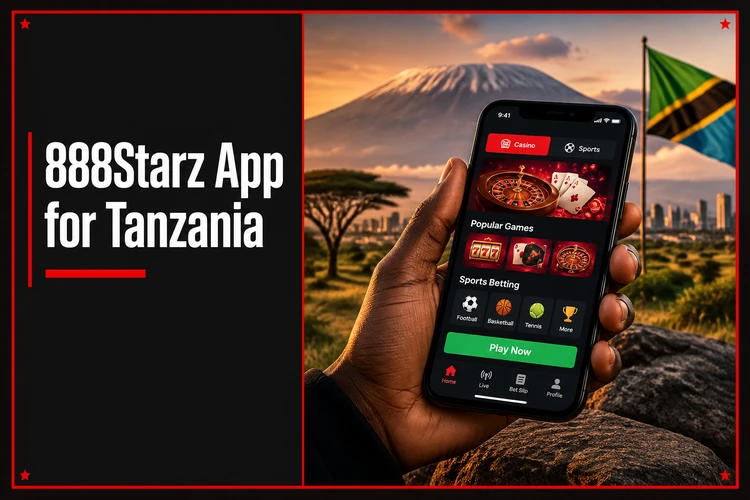
A mobile app and a mobile website are not the same. The app must be installed and opened from its icon, while the website runs in a browser without installation. A browser-based option can be useful when you do not want to install an APK or when your phone does not support the app.
| Feature | App | Mobile website |
|---|---|---|
| Installation | Required | Not required |
| Browser | Not required after installation | Required |
| Updates | May require a new APK | Handled through the website |
| Access | App icon | Browser bookmark or address |
Choose the option that matches your device and connection. If you want to try the Android application, use the official download page rather than a file-sharing site.
Check the official download page for the current APK file size and supported Android version. If your device runs older system software, consider the mobile website option instead.
How to Download 888Starz APK on Android
Before starting, confirm that you have a stable connection and enough free storage. The exact file size and supported system version can change, so check the current information on the official download page.
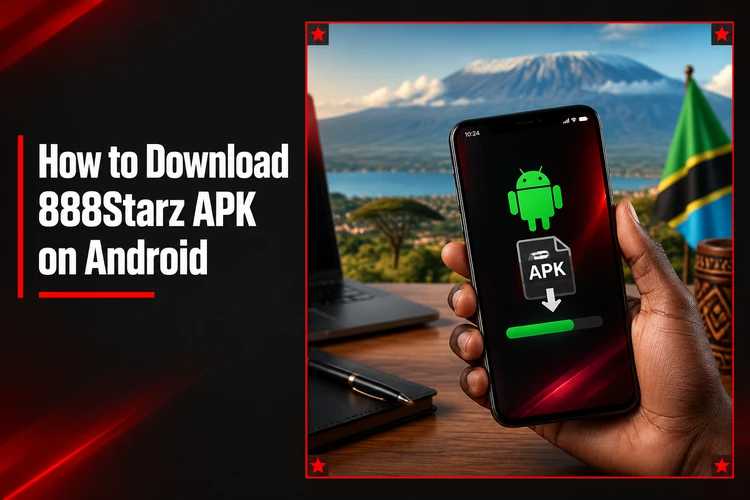
- Step 1: Open the official 888Starz download page in your mobile browser.
- Step 2: Select the Android option and start the APK download.
- Step 3: Open the downloaded file from the notification panel or file manager.
- Step 4: If Android asks for permission, allow installation for the browser or file manager currently being used.
- Step 5: Return to the installation screen and tap Install.
- Step 6: Open the app and log in, or create an account if you are new.
Android may block an APK until permission is granted for the specific app that opened the file. This does not require disabling all device protection. Give the permission only when you are using the official source, and revoke it later if you do not intend to install other APK files.
888Starz APK Tanzania — Installation Requirements
Use a stable internet connection and check that your phone has enough free space. A supported Android version is also required, but the minimum version can change. If the phone is running older system software, check for a system update or use the mobile website instead.
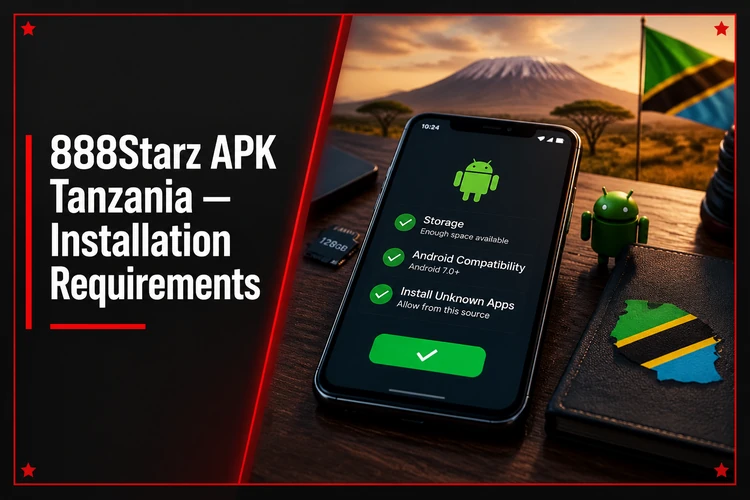
If installation fails, confirm that the download finished correctly and that the file came from the official source. Do not rename or modify the APK. A damaged file, insufficient storage, or an incompatible device can all stop installation.
How to Update the 888Starz App
When a newer version is available, check the official download page and download the new APK. Manual installations normally require you to open the new file and install it over the existing app. Do not uninstall the current version unless the official instructions require it.
Before updating, check the source and make sure the phone has enough storage. Account information is connected to your profile rather than just one installation file, but you should still confirm that you know your login details before changing the app.
888Starz for iPhone and iOS
APK files cannot be installed on iPhone because iOS does not use the Android APK format. iPhone users should check the official website for any supported iOS option or use the mobile website through Safari. Do not download IPA files or use unofficial sideloading tools unless the provider specifically supports that method.
To use browser access, open Safari, visit the official website, and log in to your account. You can save the page to the iPhone home screen for quicker access, but this does not turn the website into an Android-style APK application.
888Starz TZ App Download: Common Problems
If the APK does not download, check the connection, available storage, browser settings, and download source. If it does not install, review the permission for the current browser or file manager, delete a damaged file, and download it again from the official page.
If the app will not open, restart it and then restart the phone. An outdated or incompatible file may also cause the problem. For login issues, check the username and password, confirm the connection, and use the account recovery option on the login page rather than sharing your password with anyone.
Is It Safe to Download the 888Starz APK?
Download only from the official 888Starz website and check the domain in the address bar before opening the file. Avoid modified APKs, unofficial mirrors, file-sharing platforms, and links sent by unknown people. Such files may be outdated or contain unwanted code.
Keep Android security features enabled and grant installation permission only to the browser or file manager you trust. Never give your password to someone who claims to need it for installation. After setup, revoke installation permission if you do not plan to install another APK.
Download the Android file from the official page and install it manually. No third-party store required, just a stable connection and enough free storage on your phone.
Android will ask for install permission only for the browser or file manager you are using. Grant it when downloading from the official source, then revoke it later if needed.
When a new version appears, download the updated APK and install it over the existing app. Your account information stays connected to your profile throughout the process.
If your phone does not support the app or you prefer not to install an APK, the mobile website runs in any browser without installation or updates.
Check the source again when updating, because a familiar file name does not prove that an APK is authentic. If a download page requests unusual personal information or asks you to disable device protection completely, leave the page and use a verified source instead.
FAQ
Open the official download page on your Android phone, select the Android option, and download the APK. Open the file after the download finishes, allow installation for the current browser if Android asks, and complete the on-screen steps.
The APK format is intended for Android devices. Check the official download page for the current file and any device requirements before installing it.
No. APK files cannot be installed on iPhone because iOS uses a different application format. Check the official website for supported iOS access or use the mobile website in Safari.
Visit the official download page and check whether a newer file is available. Download it from that source and install it over the existing app when appropriate.
Common causes include missing permission for the browser or file manager, insufficient storage, a damaged download, or an incompatible Android version. Check each of these before downloading the file again.
You can use the mobile website through a browser if that access option is available. Open the official website, log in, and use the browser version instead of installing an APK.